For business leaders
AI made your people faster. It has not made your company faster.
Almost everyone in your company now has an AI assistant, and most say it helps. Yet very few companies can point to what it has done for the business. This is the short, non-technical account of why, and of what changes when your AI tools share what the company knows.
In short
AI has made individual people faster, but few companies can show the return, because each person’s assistant knows only what that person told it. Shared context gives every AI the same current picture of what the company has decided, who owns what and what changed, at the depth each person is allowed to see.
Each assistant in your company knows only what one person told it. Nobody told it what the company decided on Tuesday.
The gap
Personal productivity went up. Company results did not.
80%
of companies report that AI has made individual people more productive.
McKinsey, The State of AI, 2026
6%
can attribute at least 5% of their operating profit to AI.
McKinsey, The State of AI, 2026
91%
of managers still gather the context for their AI by hand, although 86% use AI at work.
The Coordination Tax Index 2026, 247 managers
The spending keeps rising and the return has not moved. The usual explanation is that the technology needs another year. Ours is simpler: the AI has been given to individuals, and the company has never been given to the AI.
A familiar week
Three smart assistants. None of them was in the meeting.
On Tuesday the management team decides to move the Nordic launch to the spring and to hold the price. By Thursday:
-
Sales
“Draft a proposal for the Nordic customer.”
A polished proposal that promises a March start.
-
The project lead
“Write this week’s status update.”
An update built from last month’s plan, saying the launch is on track.
-
A new hire
“What are our priorities this quarter?”
A thoughtful answer about launches in general. Nothing about this one.
Every answer is fluent, and every one is wrong in a way that takes a meeting to fix. So people paste their notes in, every time.
In our survey of 247 managers, those who use AI daily spend 20.3 hours a week on coordination, against 9.1 for those who do not. The heaviest AI users spend the most time keeping everyone aligned.
What makes the difference
Everyone rents the same model. Your company’s context is the only thing nobody else has.
Your competitors use the same Claude, ChatGPT and Copilot that you do. A better model reasons better about what it is given. It still cannot know what your company decided on Tuesday.
Think of two equally brilliant new hires. One has never been to a meeting. The other has been to all of them, knows who owns what, and knows what not to repeat outside the room. That second one is what shared context gives every AI in the company.
Why it is harder than it looks
Three ways companies try, and where each one stalls.
1
The AI knows nothing
The licences are bought and the assistants are in place, but none of them has seen a decision the company made, who owns what or what is urgent. Every conversation starts from zero, so people paste their notes in.
2
The AI knows too much
Note-takers record every meeting. The transcripts pile up in inboxes and folders, mixing personal, confidential and client information. That pile is a liability, not a memory, and nothing in it changes the plan.
3
The knowledge base becomes a project
Someone builds a library of documents for the AI to read. It works for a while. Then someone has to keep it current and decide who may see what, for as long as the company exists.
Recording is the easy part. Keeping it current, keeping the walls between clients and teams, and knowing who was told what is continuous work. That upkeep is what a company actually needs, and it is what nobody wants to own by hand.
Shared context
One current picture of the company, read by every AI you use.
-
1
Captured where work happens
Decisions, commitments and open questions are picked up from meetings, chat threads and the systems you already run. After a meeting the update is drafted for you; someone reads it and publishes. When something new is decided, the old version stops being served.
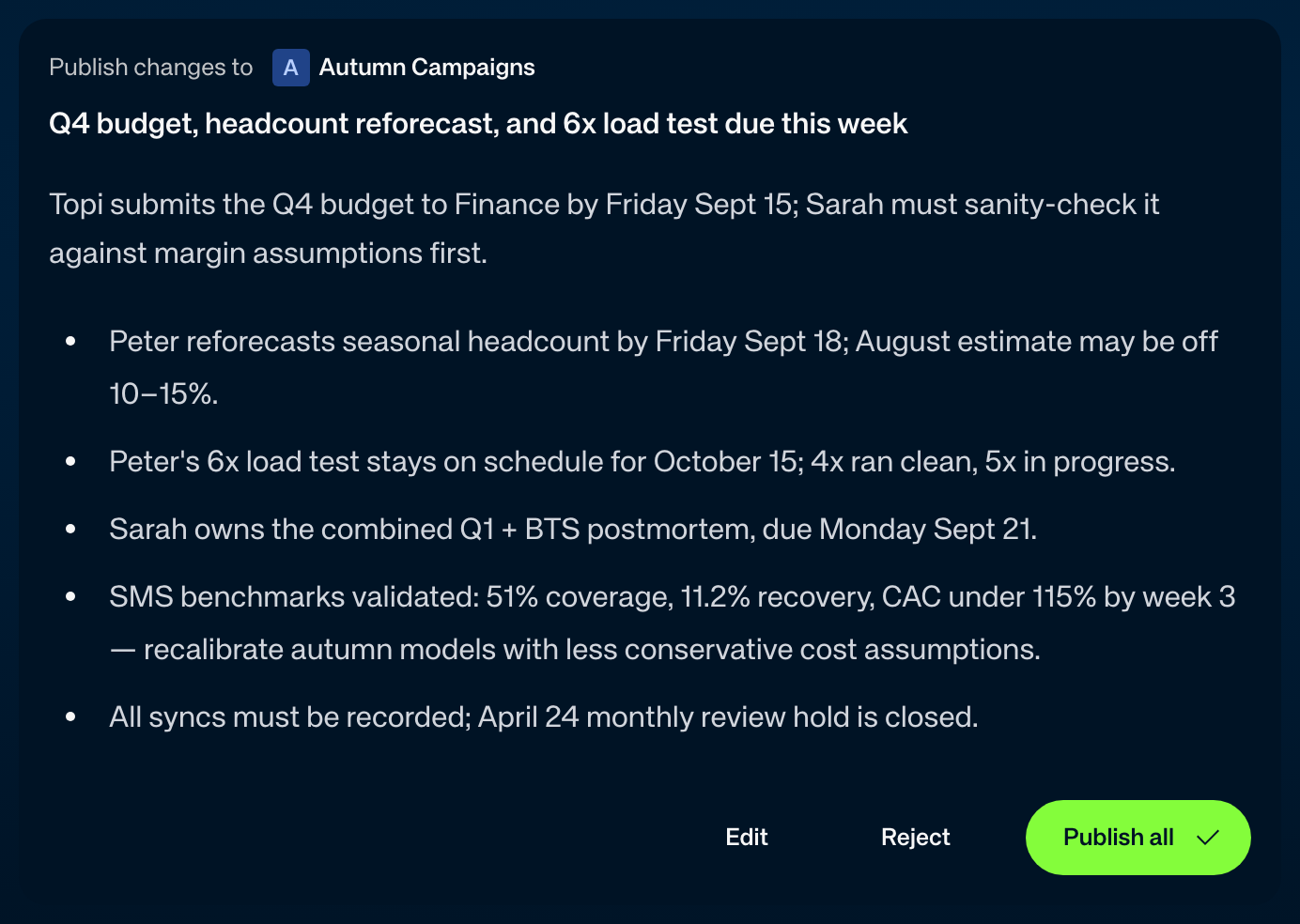
After the meeting: the update, drafted and waiting for one click. -
2
Shared at the right depth
Each person and each AI sees only what it should. The decision can travel across the company while the client’s rates and the HR conversation stay where they belong. Every answer shows where it came from.
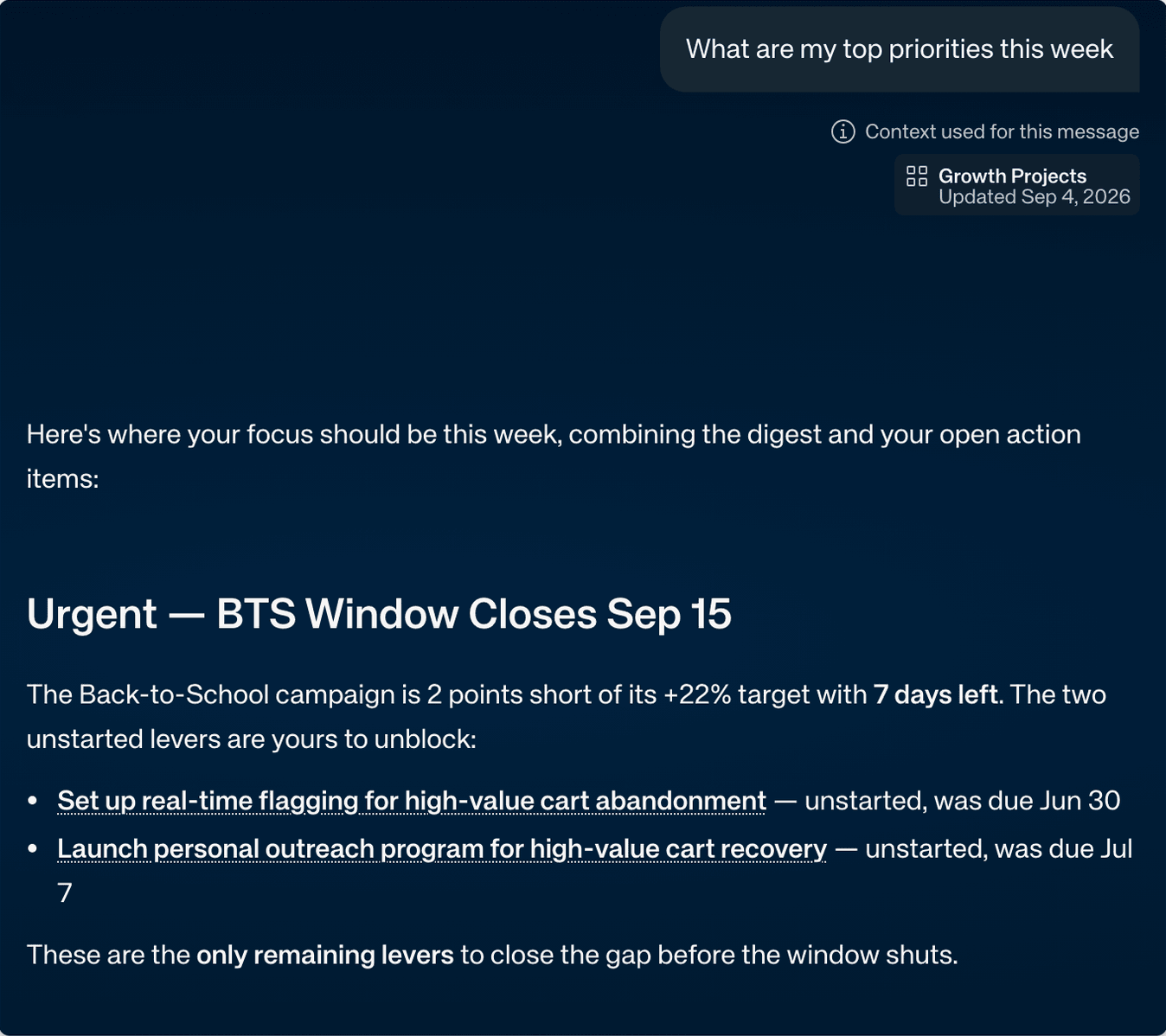
Every answer names the context it used, and when that was last updated. -
3
Read from the tools you already use
Claude, ChatGPT, Copilot, Slack and Teams read the same picture. Nobody learns a new app, and nobody changes how they work.
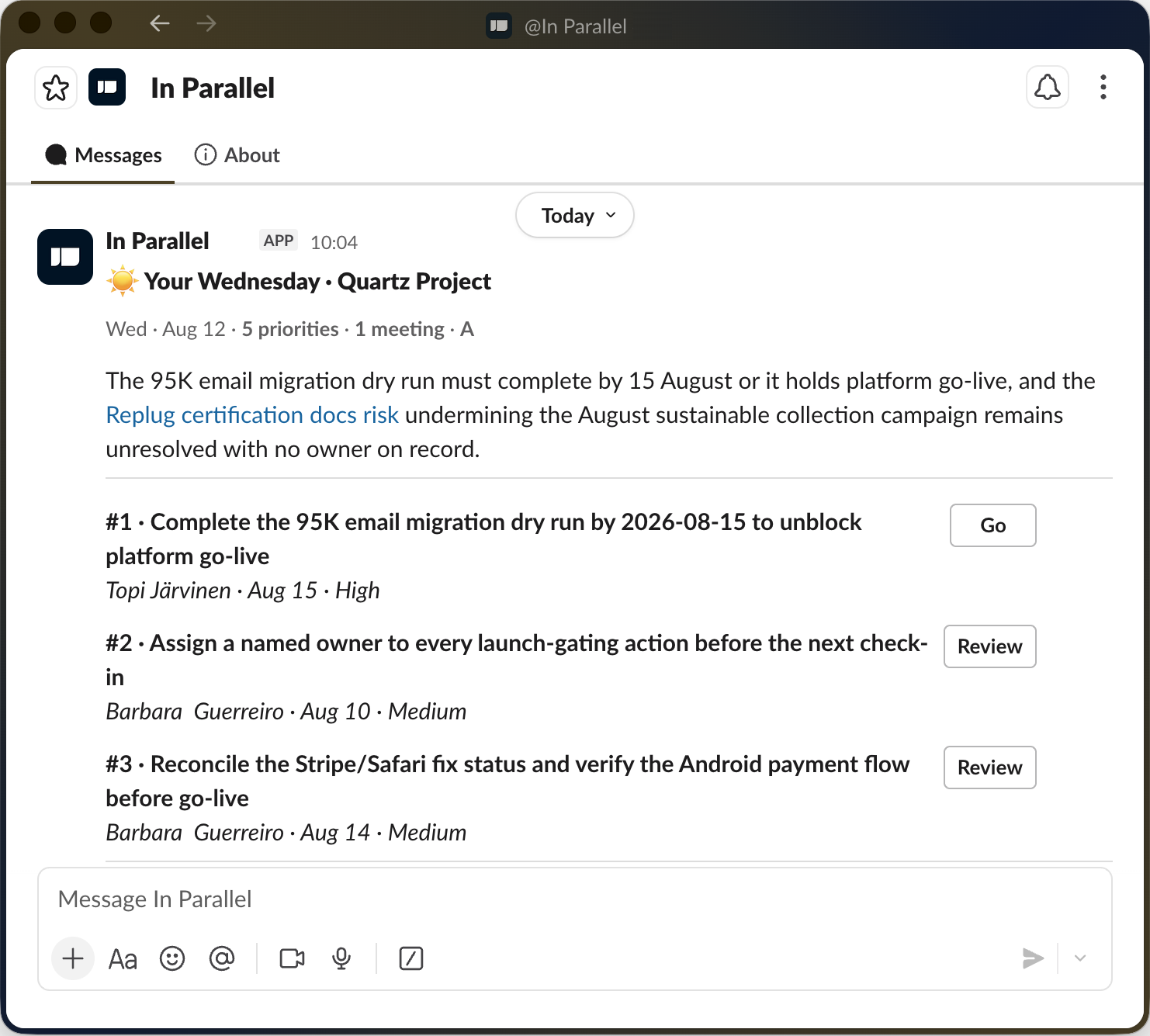
The morning briefing, in Slack, where the team already is.
Back to Thursday
The same assistants, once they share what the company knows.
Nobody pasted anything in. Each answer says where it came from, and the last one shows what happens when someone asks for more than they should see.
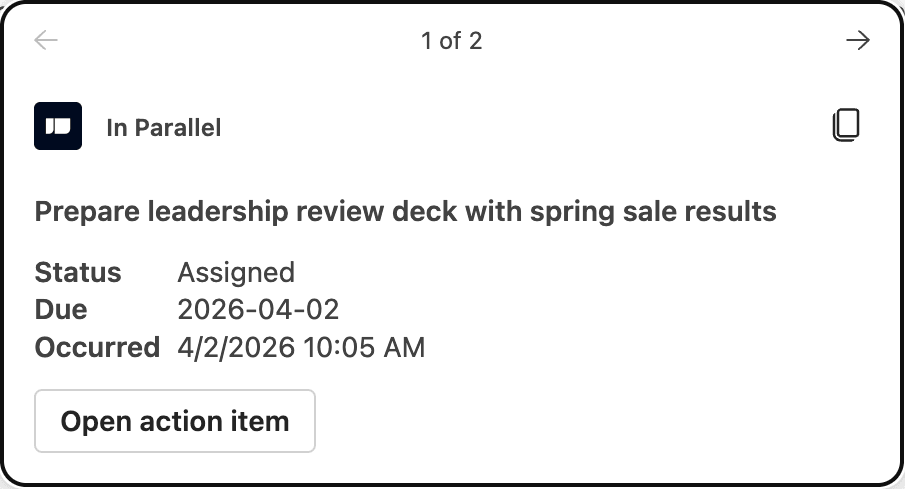
 Claude
 “Draft the proposal for the Nordic customer.”
Done. It uses the spring start the management team agreed on Tuesday, and the price stays where it was.
 Copilot
 “Help me reply to the client about the pilot.”
Before you reply: the steering group extended the pilot to the end of Q3 last week. The client has not been told yet.
 Slack
Slack “Who is handling the supplier question?”
Anna took it on Monday and committed to an answer by Friday. Nothing has come in since.
 ChatGPT
 “I was away for two weeks. What changed on my project?”
Two decisions, one new risk and one open question that is waiting for you. Here they are, newest first.
 Teams
Teams “Why did we drop the second warehouse?”
The board decided it in March on cost. Reopening it was left to the CFO.
Claude “What are the client’s day rates on this engagement?”
That is not shared with your team. I can tell you the scope and what was agreed, without the commercial terms.
For the business
From people using AI to a company that runs on it.
-
Decisions stick.
What the management team agreed on Tuesday is what every AI says on Thursday.
-
Fewer meetings to re-explain.
Status, owners and what changed are already known, so meetings can be about deciding.
-
New people catch up faster.
They learn from what the company actually decided, not from whoever has time to brief them.
-
Confidential stays confidential.
Hosted in the EU, ISO 27001, ISO 42001 and SOC 2 Type II certified. In Parallel never trains on your data.
-
You can change AI vendors.
The context is yours and sits apart from the AI tools, so the next tool starts where the last one stopped.
Start with one team.
You do not need a company-wide programme. Pick one team or one project, connect the meetings and the AI tools it already uses, and see whether the answers get better. When it is time to involve IT, send them our homepage: it is written for them.
- The version for your IT lead →
Access, security and how it connects.
- The Coordination Tax Index →
What 247 managers told us about their week.
- Own your context →
Change AI tools without starting over.